iPhone and Paws : Take Great Pictures of Your Dog Using iPhone
- Reijun Hammons
- Jul 22, 2019
- 2 min read
Updated: Jul 22, 2019
With remarkable advances in the iPhone camera, it is easier than ever to snap awesome pictures of your fur baby whenever we like, wherever we like! If you own iPhone 7 Plus or later models of iPhone, you can utilize the camera's "portrait" function to snap the photos. Below are the steps & tips in snapping amazing pictures of your pooches so that you can capture all those precious moments to look back!!
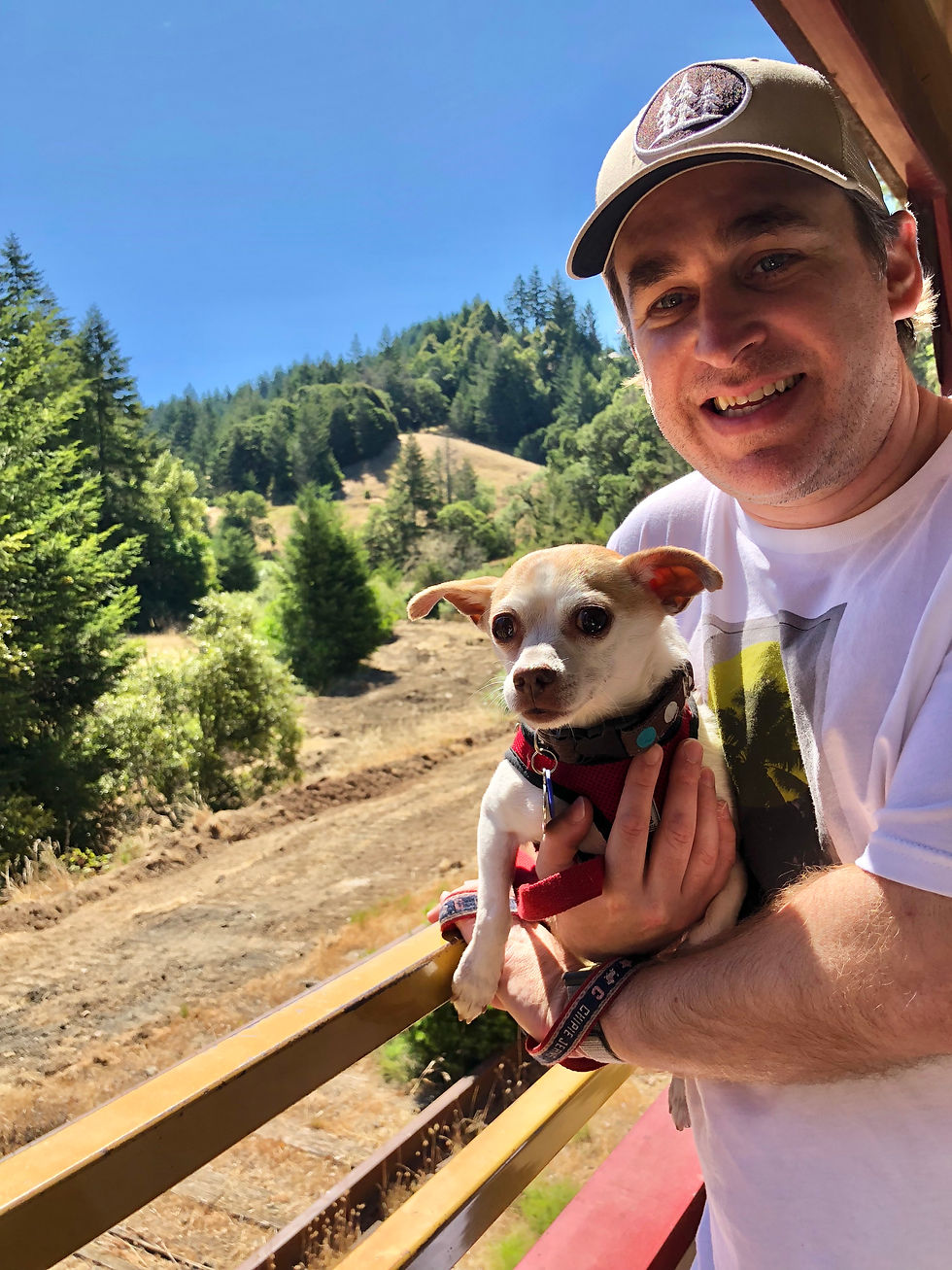
Step 1: Select a great location for the photo shoot. When using the portrait mode, it is best to find a location where there is distance between your pooch and the background. My favorite is nature such as flower or lush of green trees or grass.
Step 2: Have your pooch pose. Now, we all know this can be tricky. It is always a good idea to give command to pooch such as "stay", "sit", or "hold" so they know what it is that you are asking them to do. Treat is always a good idea in this!
Step 3: Get down to your pooch's eye level. This is very important! Setting the camera lens at the same level as your pooch's eye level allows the photo to feature them as the center of image at the level they see themselves in the world.
Step 4: Select "Portrait Mode" in your iPhone camera modes. Ensure that you are not too close or too far away from your doggie, the subject. The iPhone camera will alert you if you are too close or too far away.
Step 5: Select the lighting options you desire from following options. Natural, Studio, Contour, Stage Light, and Stage Light Mono (black & white)
Step 6: Snap away!! It is best to snap as many pictures as possible in the brief moment your pooch stays still, because you will have multiple photos to choose the best ones this way.
PAW TIP #1: Put a piece of tape over the camera lens and then peel it away to restore the pristine state of the perfect clean camera lens before snapping the photos!
PAW TIP #2: Natural daylight is always best in capturing wonderful images of your pooch in portrait mode. For this, I always choose outdoor on a sunny day.
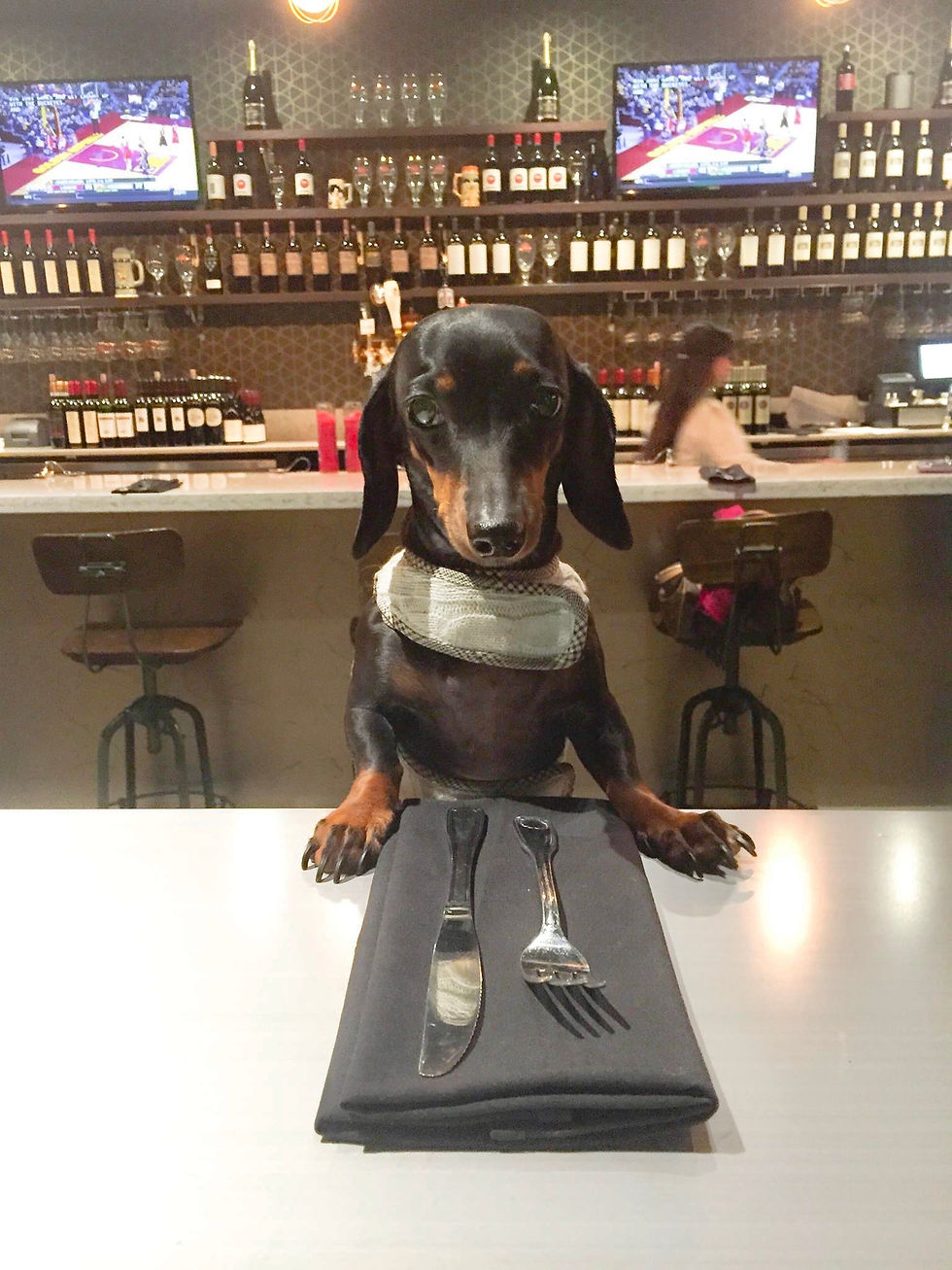
PAW TIP #3: Make your pooch look at the camera by making lots of funny noises that they react to! This can be anything from the sound of cat meowing, dog barking, or bee buzzing! I find this to work much better than merely calling their name. The faces they make bring out the genuinely "awake" expression this way too!
Happy Snapping!!


Comments